
Why Moovixo never deletes your files
An app that moves your files around should never be the reason one goes missing. These are the rules it follows.
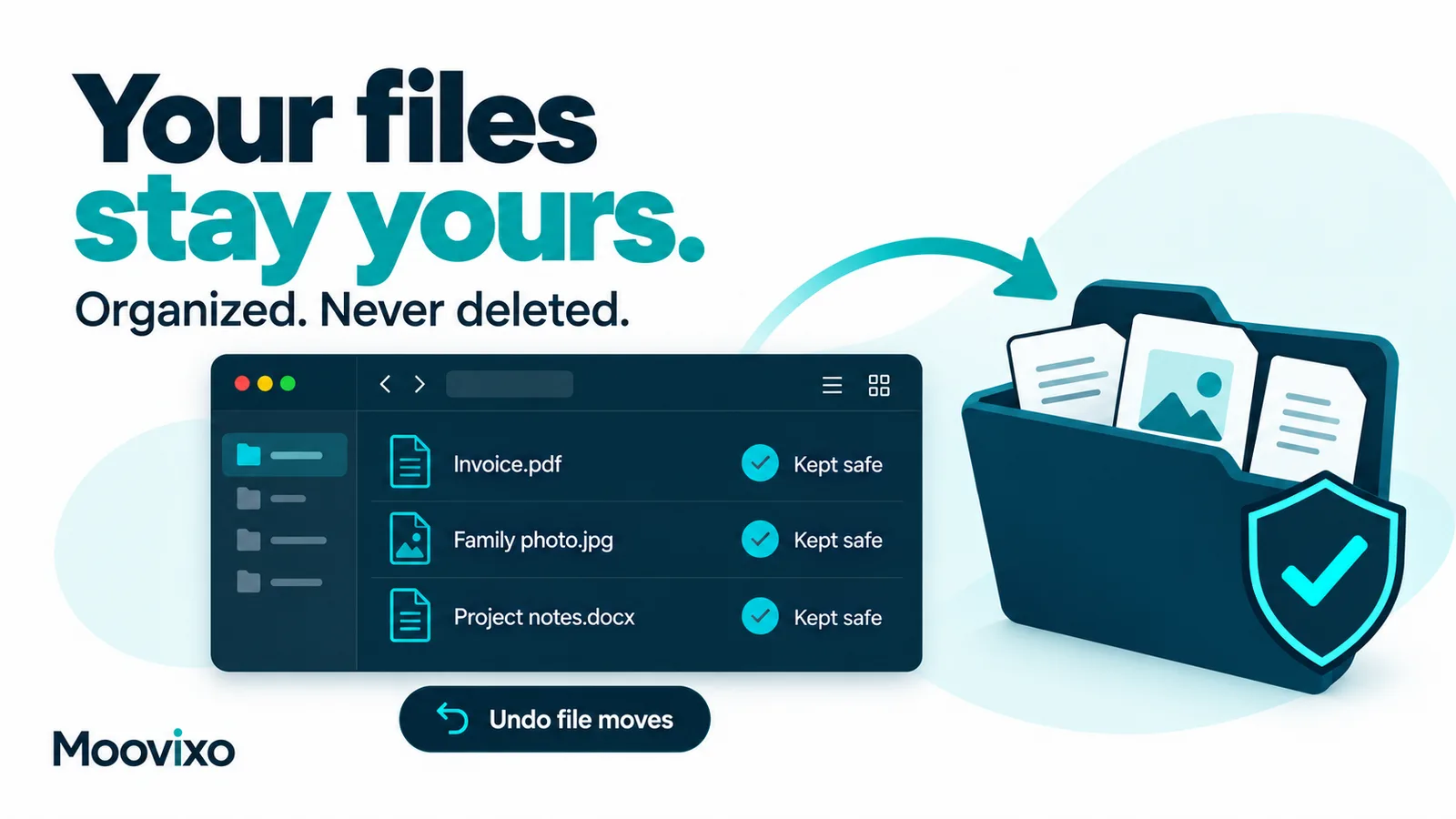
When you let an app move your files, you're trusting it with things you can't get back: a signed contract, the only scan of a certificate, photos from a trip. If it loses one, you'll stop using it, and you'd be right to.
So the first rule we wrote down, before Moovixo could recognise a single invoice, was that it doesn't delete files. Everything else came after that.
Clutter goes to an archive, not the Trash
Duplicates, copies like report (1).xlsx and zips you've already unpacked go to a folder called Moovixo Archive. It's an ordinary folder. You can open it, look through it and drag anything back out. There's a separate option to empty the archive into the Trash, but it stays off unless you turn it on, and it asks before it does anything.
Nothing gets overwritten
If a file with the same name is already where Moovixo wants to put something, it picks a clearer name, like invoice - Amazon - 2026-09.pdf. A number on the end is the last resort. Moving to another drive happens in two steps: copy the file, check the copy matches the original, and only then remove the original. If the check fails, the original stays where it was.
Every move can be undone
Each move is written to a history that is only ever added to. From there you can undo one file, a whole batch, or everything Moovixo has done, and it still works after a restart. If Moovixo made a folder that ends up empty, it removes that folder too.
Tested on the files that usually break things
Every build runs against a fake home folder of about 190 awkward files: emoji in names, names 200 characters long, read-only files, broken PDFs, files with no extension, and plenty of name clashes. The tests check that a preview changes nothing, that approving every suggestion loses or alters no file, and that undo puts each one back exactly where it was.
None of this is exciting to read about. It's the reason you can leave Moovixo running and forget about it, which was the point all along.
Keep reading
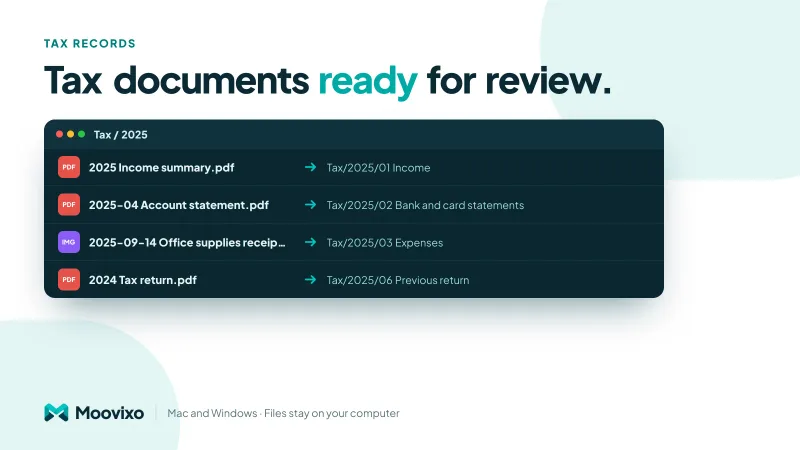
How to organize tax documents for your accountant
Gather the records your accountant needs, sort them by tax year, and send a checked set with a clear note about anything missing.
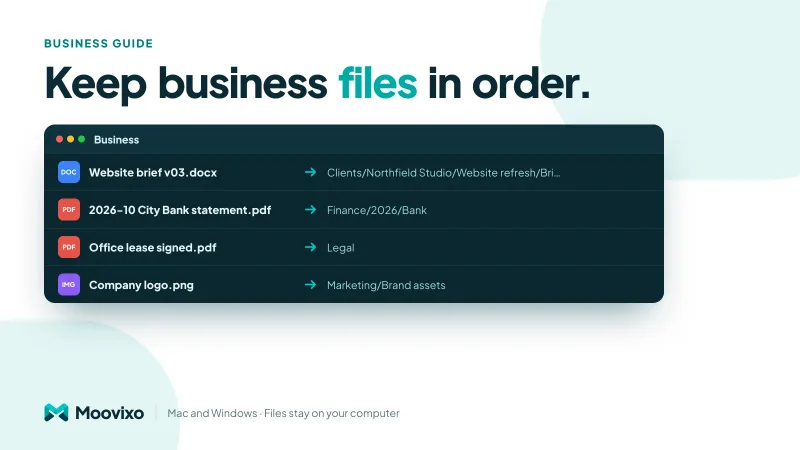
A digital filing system for small business
Set up business folders for clients, finance, HR and legal paperwork, with clear names, sensible access and a yearly handover to your accountant.
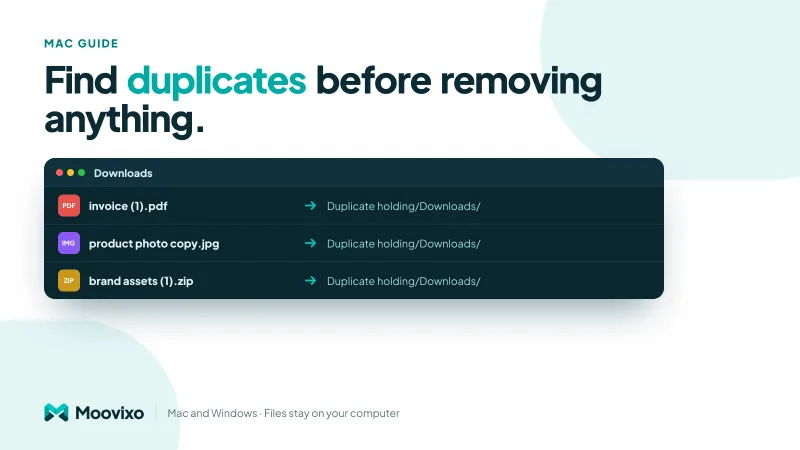
How to find duplicate files on Mac
Find duplicate downloads, check identical files in Terminal, and set extra copies aside without deleting something you still need.